> ## Documentation Index
> Fetch the complete documentation index at: https://help.comdesk.com/llms.txt
> Use this file to discover all available pages before exploring further.
# Comdesk Leadにログインする
1. Comdesk Leadにログインします。\
ログインする際は必ずURL : [login.comdesk.com](http://login.comdesk.com) からログインします。
また、ブラウザはGoogle Chromeをご利用ください。
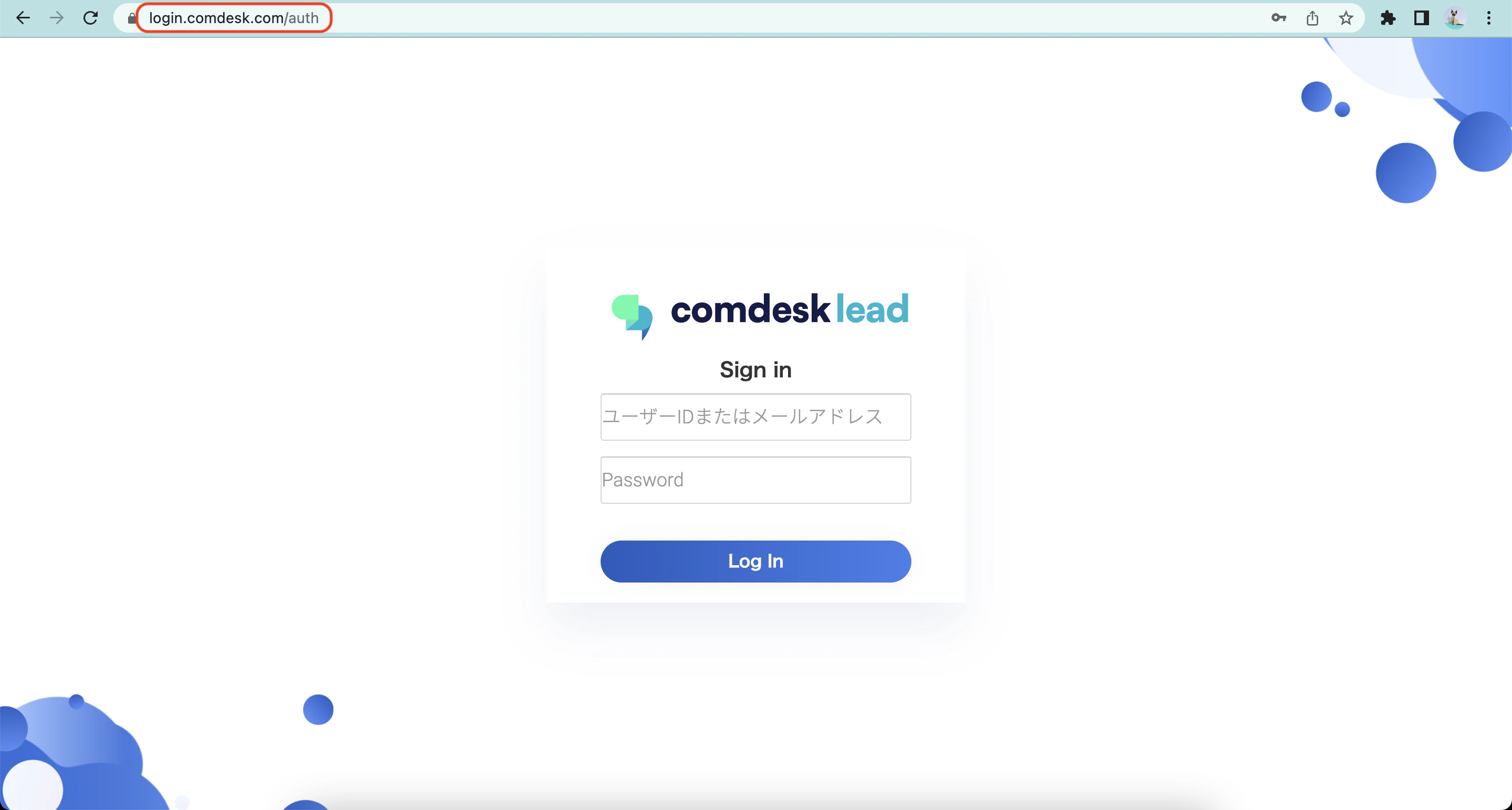 2. ユーザーIDとパスワードを入力し、「Log In」ボタンを選択します。
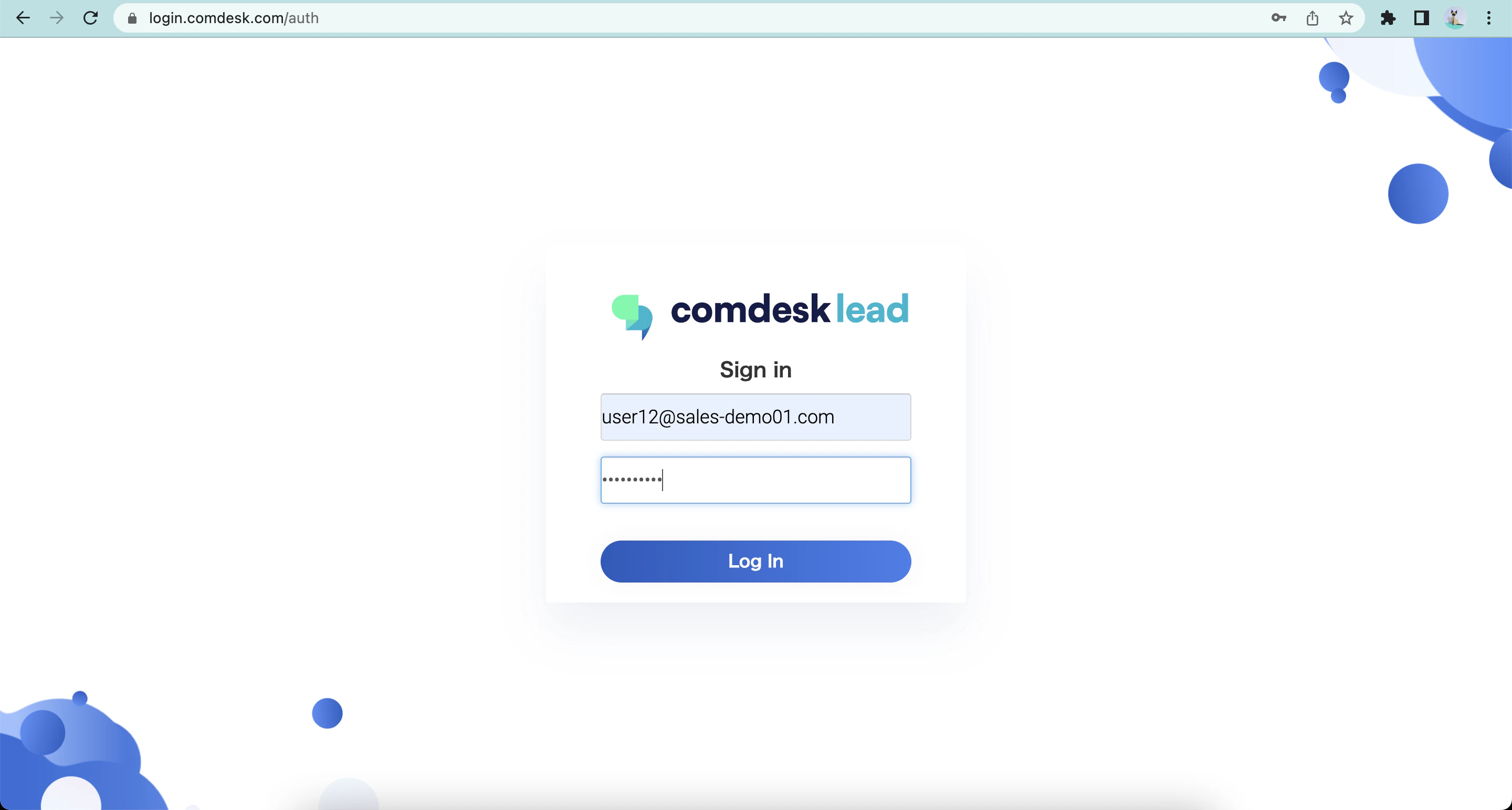 ※ユーザーIDとパスワードは、ユーザーマッピング図で確認できます。
(ユーザーマッピング図は御社管理者様にご提供しております。)
ユーザーID・パスワードが不明な場合や、その他ご不明点などございましたら、[**サポートチームまでお問い合わせ**](#contact)をお願い致します。
※ユーザーIDとパスワードは、ユーザーマッピング図で確認できます。
(ユーザーマッピング図は御社管理者様にご提供しております。)
ユーザーID・パスワードが不明な場合や、その他ご不明点などございましたら、[**サポートチームまでお問い合わせ**](#contact)をお願い致します。